Posts

Showing posts with the label After Effects

Stardust Physics Tutorial: Creating Logo

Image
[ #ÀterEffects ] Stardust is a Modular 3D particle system for Adobe After Effects and in this video Roland Hartmann of graphicinmotion.com shows how to create a logo intro using the physical particles inside Stardust. >> See Also: Stardust 1.1 for After Effects | Tool Of the Day [post_ads] More Stardust tutorial [post_ads_2]

Create Custom Bokeh Images for Redshift with After Effects

Image
[ #Redshift ] Bokeh is one of the most popular topics for photographic aesthetics and comes roughly from the Japanese word for 'blur'. An in this video Gareth Williams from Yellow Dog shows us how to create Custom Bokeh Images for Redshift with After Effects By the end of this video, you'll have learned how to: -Setup depth of field using Redshift -Create basic bokeh shapes with After Effects -Create chromatic aberration effect 'rig' in After Effects [post_ads] More Redshift tutorial [post_ads_2]

Creating A 3D Glossy Metal Text In After Effects With Greyscalegorilla (No Plugins Required)

Image
[ #After Effects] If you have the Adobe Creative Cloud, then you have the tools to create simple 3D animations like logo reveals and flying text. With After Effects, you can create this glossy 3D metal logo animation, and you can make it without having to use additional plugins. Before diving in with  Nick Campbell on this tutorial, you can download the project file to follow along or breakdown his scene. Download Link >> See Also:  How to create a VHS or VCR effect in AE [post_ads] More tutorial [post_ads_2]

How to create a VHS or VCR effect in AE

Image
[ #After Effects ] When it comes to After Effects and the classic VHS or VCR look, you have a lot of options. Likely the If you lack the deep pockets for fancy plugs, not to worry, you can create your very own effect that works pretty well.most flexible, robust and most complete is the VHS effect that ships with  Red Giant’s Universe .  Mobox Graphics  Mike Ridolfi  shows how to make a great-looking VHS tape effect that uses a few standard effects in After Effects. It’s pretty amazing what you can do with Levels, Brightness and Contrast, Mosiac, Noise, and the Venetian Blinds effect. >> See Also:  How to use Physical Simulation in Stardust for After Effects [post_ads] More tutorial [post_ads_2]

How to use Physical Simulation in Stardust for After Effects

Image
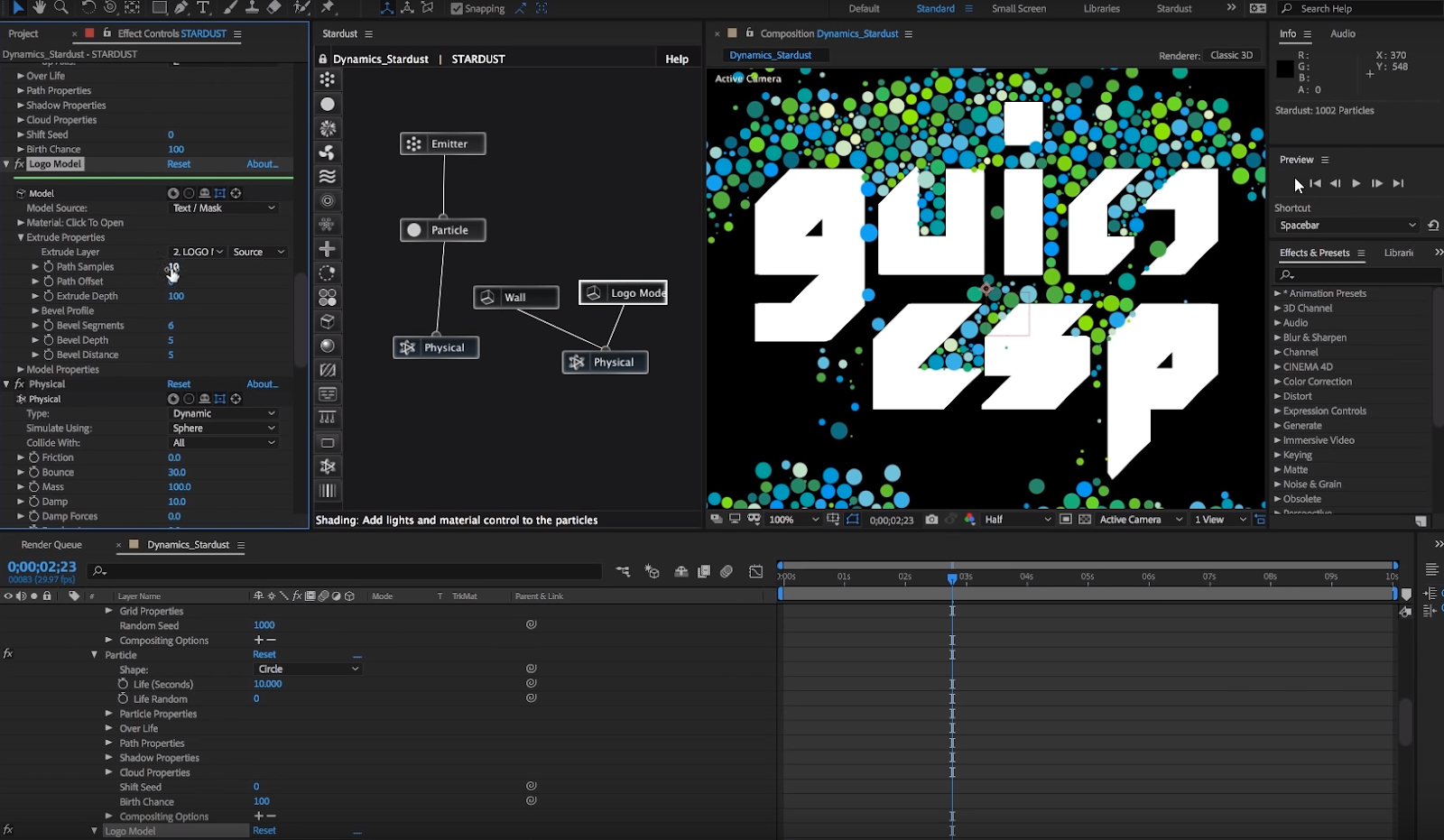
[ #AfterEffects ] Learn how to use physical simulation toolset Stardust version 1.2.0, so we can create dynamic simulation using particles and 3D models. There are 2 tutorial from Gui Esp >> See Also: foxRetimer for After Effects - Advanced Retiming tool for After Effects and below is by Roland Hartmann [post_ads] More After Effects tutorial [post_ads_2]

How To Light a Set for Animation with Adobe After Effects

Image
[ #AfterEffects ] Lighting is a powerful storytelling tool that brings the animation to a higher level of quality. Learn how to master the moods of entire scenes using After Effects - whatever the quality of assets you're starting with. >> See Also: Stardust 1.1 for After Effects [post_ads] More After Effects tutorial [post_ads_2]

Creating Damage and Decay Effects in After Effects without Plug-ins

Image
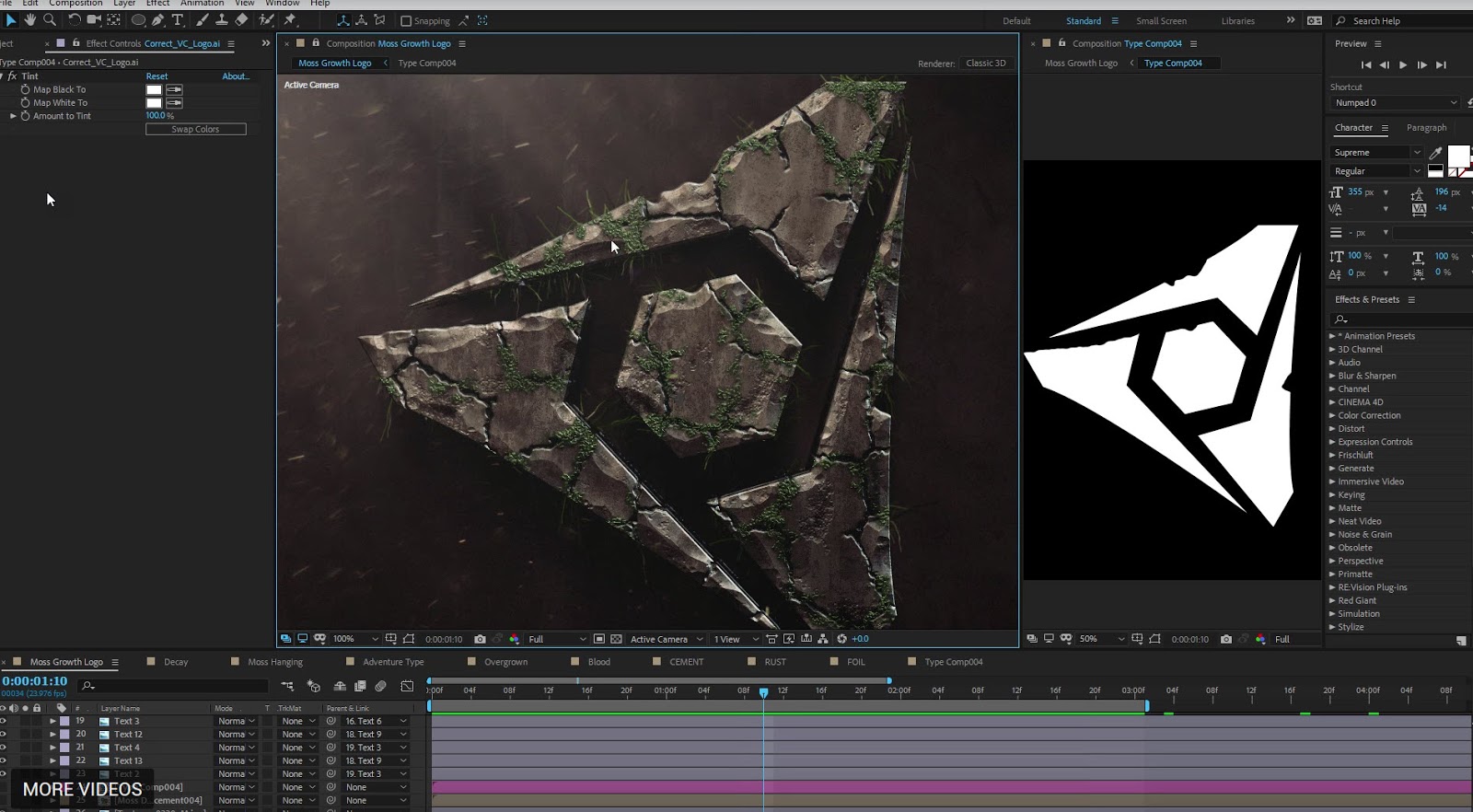
[ #AfterEffects ] In this new tutorial from Videocopilot We'll learn how to create a procedural decay system capable of generating realistic rust, moss, cracks, corrosion & more! Like most sequels, Chapter 2 is jammed packed with even more unnecessary FX! Watch now! >> See Also: Stardust 1.1 for After Effects [post_ads] More After Effects tutorial [post_ads_2]

Cinematic Title Design: Fantasy FX in After Effects

Image
[ #AfterEffects ] New Video Copilot video tutorial about Cinematic Title Design: Fantasy FX in After Effects. You will learn how to create a stunning Cinematic Bevels with real 3D Lighting >> See Also: Stardust 1.1 for After Effects Download FREE Particle FX | Download Free Saber Plug-in [post_ads] More After Effects tutorial [post_ads_2]

Compositing Large Scale Explosions in After Effects

Image
[ #AfterEffects #VFX #explosion #Compositing #Tutorial ] In this tutorial, Alan Fire shows us how to layer several of our Explosions Vol. 2 elements in a scene and blending them against a bright, sunny background. >> See Also: Making Volcanos in After Effects [post_ads] The Tutorial Focuses On: Setting up back-to-back explosions within a shot Color matching shadows in your VFX to the shadows in the background plate Slightly lowering VFX quality when it’s a higher resolution than the scene footage Adding light wrap to blend against a blue sky Creating interaction between the explosions Using shift channels instead of blending modes Placing smoke, dust, and shock waves for final, realistic touches More After Effects tutorial [post_ads_2]

Animating Advanced 3D Liquid Logo with Real Flow, Cinema 4d and After Effects

Image
[ #RealFlow #Cinema4D #MotionGraphics #Liquid #Simulation #AfterEffects #Animation #Tutorial ] MographPlus is here again with this project-based tutorial series in which they take a motion graphic design and show how to recreate it from scratch. In this 3 Hours series, they take us through the process of creating advanced 3d motion graphics in Realflow and cinema 4d. The full tutorial is available on a 50% sale for $19.00. >> See Also: RealFlow for Cinema 4D tutorial: Dyverso Fill Emitter working with textures [post_ads] Click here to see some of the bonus tutorials . More RealFlow for C4D tutorial [post_ads_2]

Making of Warrior Dog 641

Image
[ #adskMaya ] Generalist,Lighting 3D Artist Farid Ghanbari has shared Making of Warrior Dog 641 video. Check out to see how he used Autodesk Maya, Substance Painter, V-ray, Photoshop. After Effects to create that stunning artwork >> GET AUTODESK MAYA HERE! Follow Farid Ghanbari: https://www.instagram.com/renderburger/ https://www.artstation.com/farid https://www.fb.com/renderburger/ [post_ads_2]

Creating a Planet & Moon Rig in After Effects

Image
[ #AfterEffects #MotionGraphics #Animation #Environment #Tutorial ] In this After Effects motion graphic tutorial Mike Ridolfi from Mobox Graphics shows us a trick we can use to create an animation of a planet and moon rig in After Effects. The moon simply orbits the planet following free body orbital dynamics. His trick involes the use of auto-orientation to make 2d elements look as if they were 3D. >> See Also: Creating 3D Particles with Stardust in After Effects 2 [post_ads] More After Effects tutorial [post_ads_2]