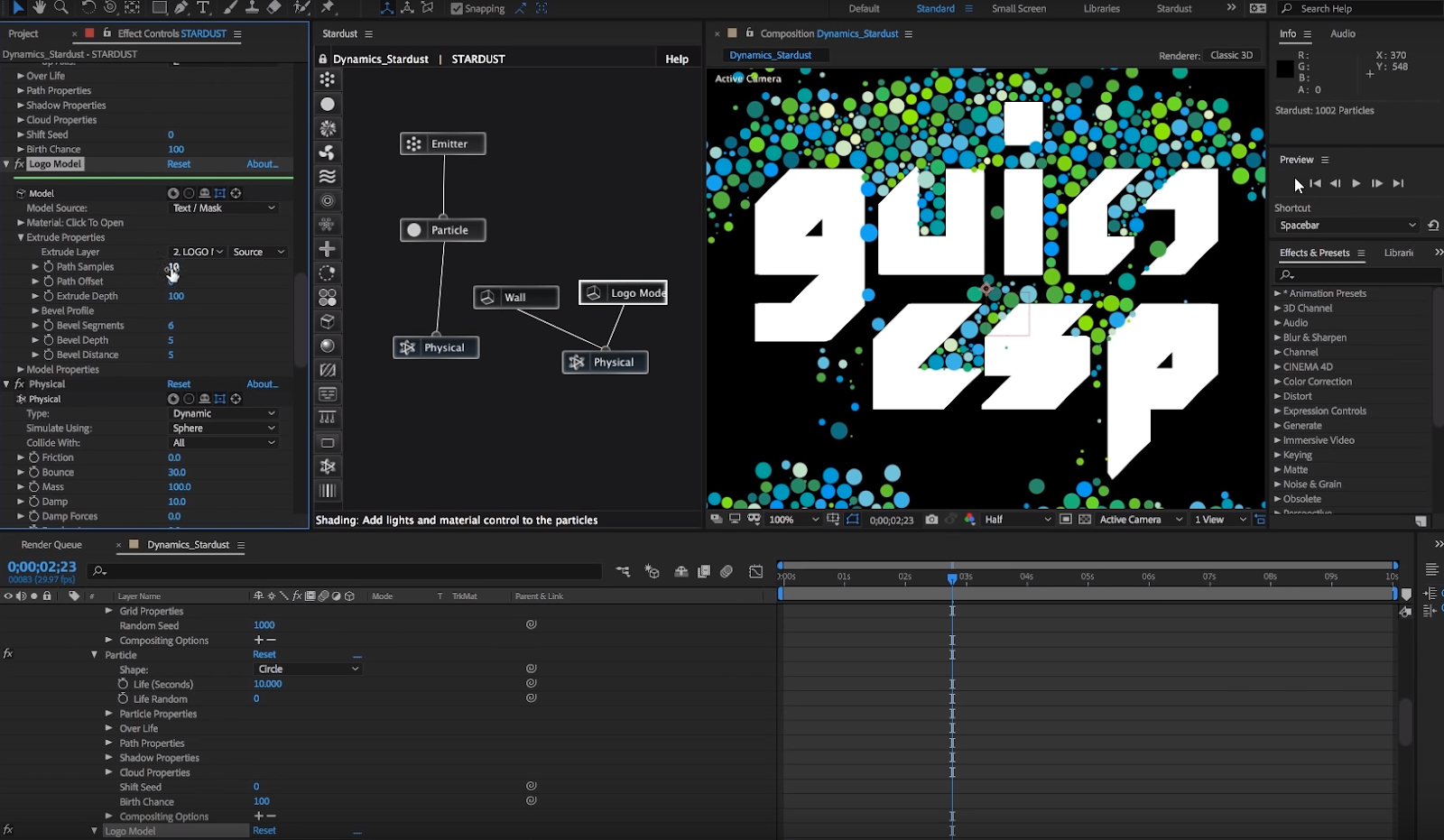
How to use Physical Simulation in Stardust for After Effects
Get link
Facebook
X
Pinterest
Email
Other Apps
[ #AfterEffects ]
Learn how to use physical simulation toolset Stardust version 1.2.0, so we can create dynamic simulation using particles and 3D models. There are 2 tutorial from Gui Esp
[ #Vray #Cinema4D #VrayforC4D #Rendering #Lighting #Tutorial ] In this video, MogGraphPlus explains to us what the Global Illumination is (as a matter of fact, it is what is responsible for making our renderings more realistic), as well as how it works in render scenes. They also explain how we can setup the light in our scene to complement the Global Illumination. >> See Also: Interior Lighting & Area Lighting In Vray for Cinema 4D [post_ads] More VrayforC4D tutorial [post_ads_2]
[ #Redshift #Arnold ] Christophe Desse shared 20-minute video tutorial showing techniques on how to render a model from Substance Painter in Redshift or Arnold. [post_ads] More Substance Painter tutorial [post_ads_2]
[ #Blender ] Zacharias Reinhardt shows us how to create a realistic nature scene from scratch, in Blender 2.7. We will make use of a couple of (paid) add-ons to speed up the process, like the brand-new Graswald add-on . Check it out >> See Also: How to work with Blender 2.8 EEVEE [post_ads] More tutorial [post_ads_2]


Comments
Post a Comment