Posts

Showing posts with the label Redshift

How to render Substance Painter Project in Redshift or Arnold

Image
[ #Redshift #Arnold ] Christophe Desse shared 20-minute video tutorial showing techniques on how to render a model from Substance Painter in Redshift or Arnold. [post_ads] More Substance Painter tutorial [post_ads_2]

Create Custom Bokeh Images for Redshift with After Effects

Image
[ #Redshift ] Bokeh is one of the most popular topics for photographic aesthetics and comes roughly from the Japanese word for 'blur'. An in this video Gareth Williams from Yellow Dog shows us how to create Custom Bokeh Images for Redshift with After Effects By the end of this video, you'll have learned how to: -Setup depth of field using Redshift -Create basic bokeh shapes with After Effects -Create chromatic aberration effect 'rig' in After Effects [post_ads] More Redshift tutorial [post_ads_2]

Material Basics in Redshift Renderer for Cinema 4D Tutorial

Image
[ #Redshift ] In this tutorial we'll be making and using a simple and versatile material preset for Redshift renderer in Cinema 4d. You can also download the preset here ! >> See Also: Redshift Blog [post_ads] More Redshift tutorial [post_ads_2]

Creating Realistic Winter Icicles with Redshift for Cinema 4D

Image
[ #Modeling #Redshift #Cinema4D #Environment #Tutorial ] Valeriy Seleshko shows us how we can make this realistic icicle in Cinema 4D and render it in Redshift. >> See Also: Introduction to Rendering with Redshift for C4D [post_ads] More Redshift tutorial [post_ads_2]

Rendering Diamond in Cinema 4D

Image
[ #Cinema4D #Modeling #Redshift #Rendering #Photorealistic #Tutorial ] In this video, Valeriy Seleshko shares with us how we can create and render real Diamonds in Cinema 4D. He also explains how to setup Caustic Photons with Redshift. >> See Also: Creating an illuminated Flower in Cinema 4d [post_ads] More Cinema 4D tutorial [post_ads_2]

Working With Displacement in Redshift for Maya

Image
[ #Maya #Modeling #Redshift #Tutorial ] In this video, Saul Espinosa shows how to use displacement in the Redshift plugin for Maya. He covers all that relates to displacement-rendering in redshift, including heightfield and vector displacement. >> See Also: Houdini Sim to Rendering MotionBlur with Redshift in Maya [post_ads] More Maya tutorial [post_ads_2]

Houdini Sim to Rendering MotionBlur with Redshift in Maya

Image
[ #Houdini ] Ryan Knightley shares video which attempts to alleviate one of those kinks. Alembics of changing topology require a few extra steps to work properly with motion blur >> See Also: Redshift Blog [post_ads] More Redshift tutorial [post_ads_2]

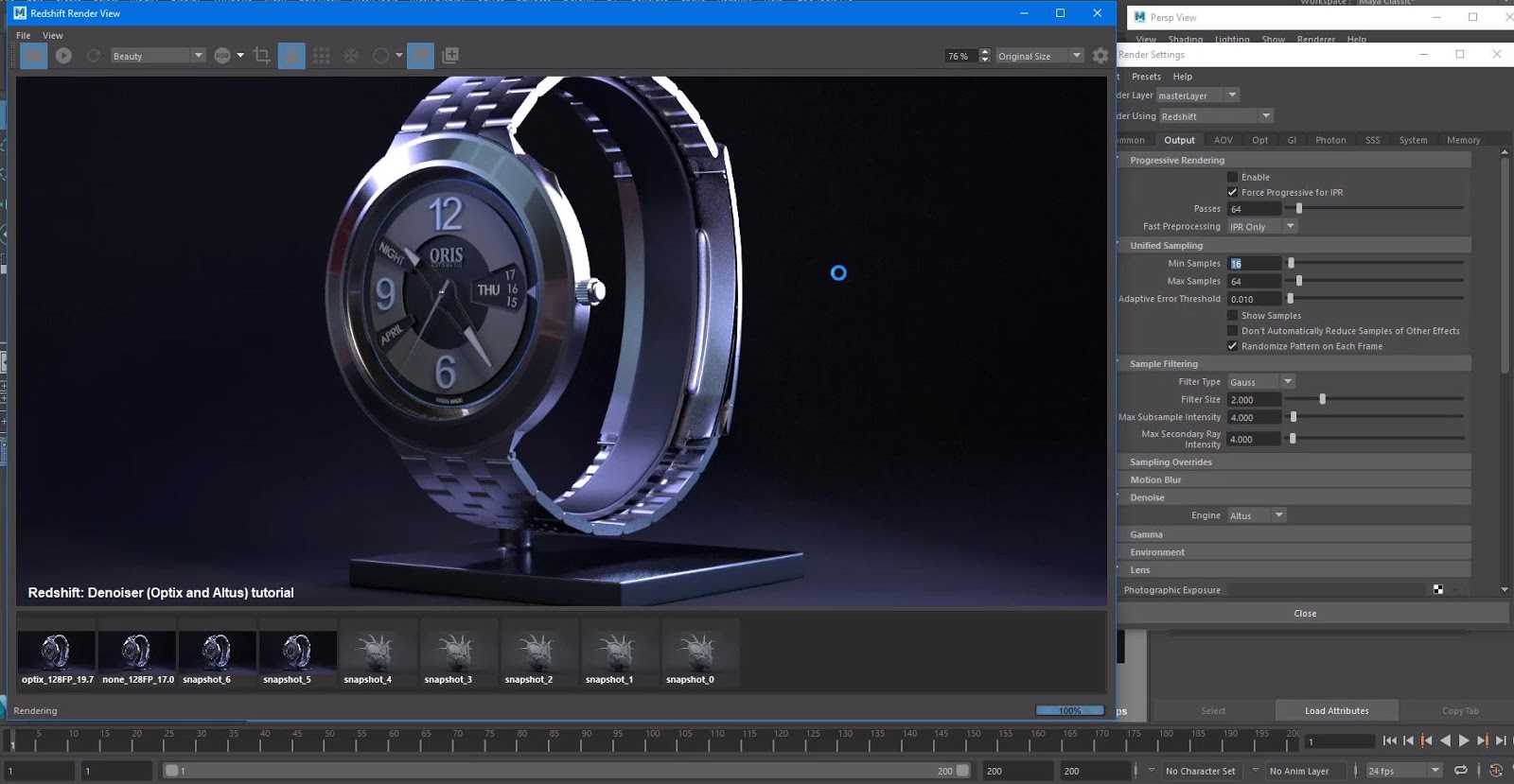
Redshift: Denoiser (Optix and Altus) Tutorial

Image
[ #Redshift ] Redshift Denoiser First Look Tutorial by Create 3d Characters - Timeline Scrubbing, Camera Navigation - Denoisers Nvidia's Optix and Innobright's Altus >> See Also: Redshift Render Blog CONTENTS 0:20 Scrubbing In The Timeline Feedback 5:10 Optix Denoiser 11:14 Optix And Bucket Rendering 12:45 Optix Vs Altus 17:35 Altus 23:35 Fine Texture Testing [post_ads] More Redshift tutorial [post_ads_2]